
Vocational skills learning app
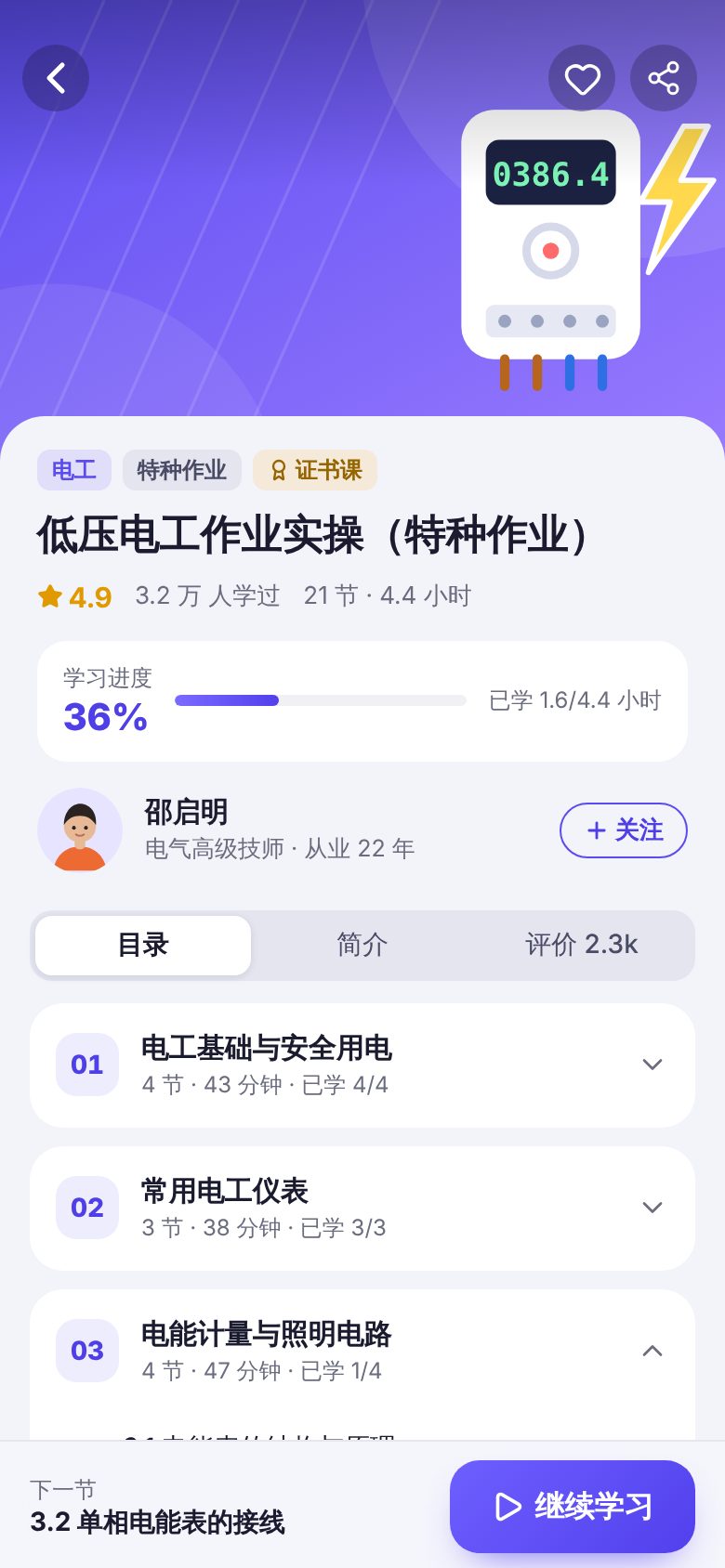
For vocational training providers, certification prep schools and companies running in-house training. One app lets learners find courses by trade, watch videos, practice questions and log daily study. The demo shows the course home page and course details, a custom video player with timestamped notes, chapter exercises with question-by-question explanations, mock exams, a review list of missed questions and a study streak calendar. It also includes an operations back office (data overview, course management, question bank management). On phones, course and question bank tables are shown as cards.
Features
Design and technical highlights
- Custom video player
Lesson visuals build up as the video plays. In the wiring demo lesson, SVG animation draws the live and neutral wires one by one. The player supports play and pause, seeking, double-tap left or right to rewind or skip ahead, 0.75–2x speed, captions on or off, and landscape full screen. Playback resumes where the student left off and counts toward study time.
- Timestamped notes while watching
Students take notes at the current playback position, and each note is marked on the progress bar. Tapping a note's timestamp or a topic in the handout jumps back to that point in the video.
- Practice, exams and wrong-answer review in one loop
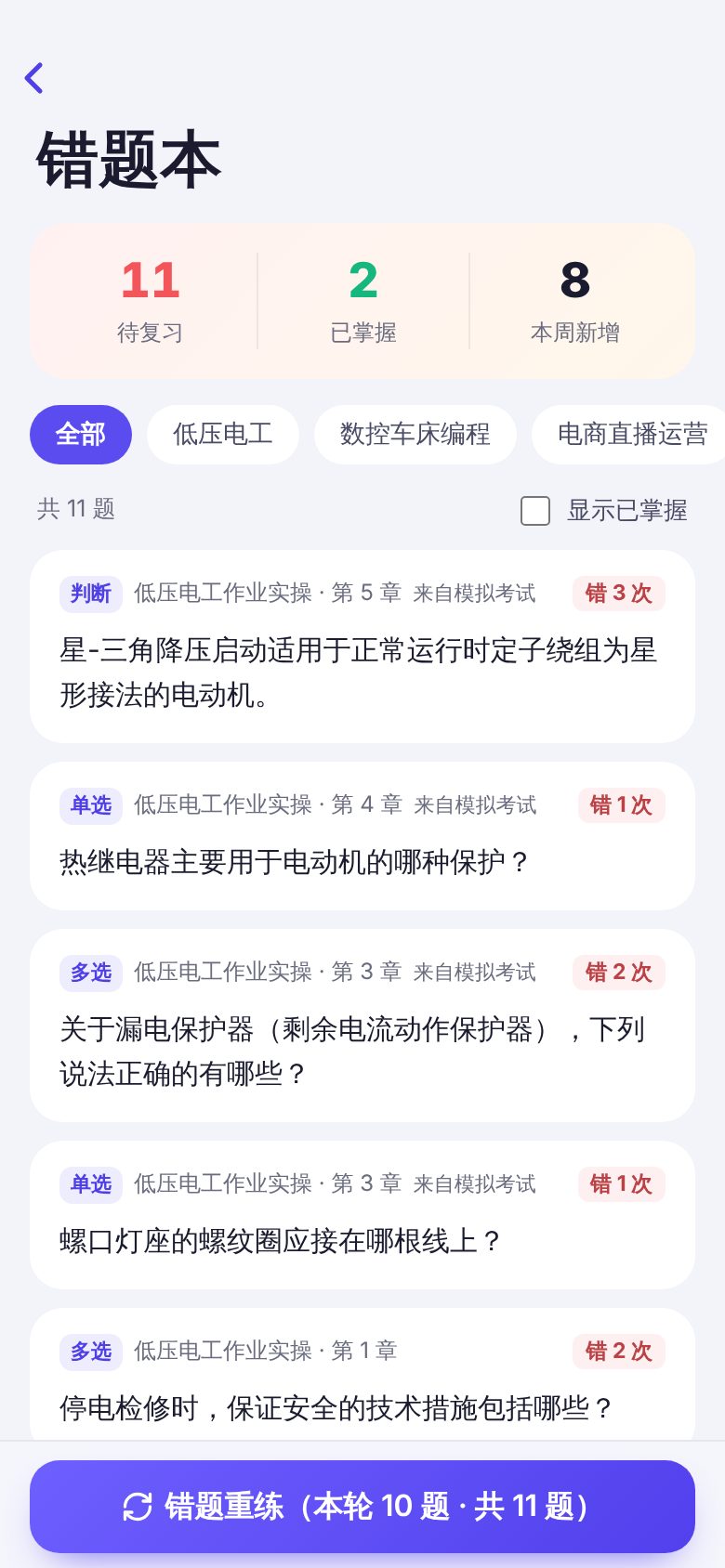
Three question types: single choice, multiple choice and true/false. Practice mode scores each answer right away and shows the explanation. Mock exams are timed and submit automatically when time runs out. Wrong answers go to the review list, where students can filter by course, view explanations, retry questions or mark them as mastered.
- Study calendar and native feel
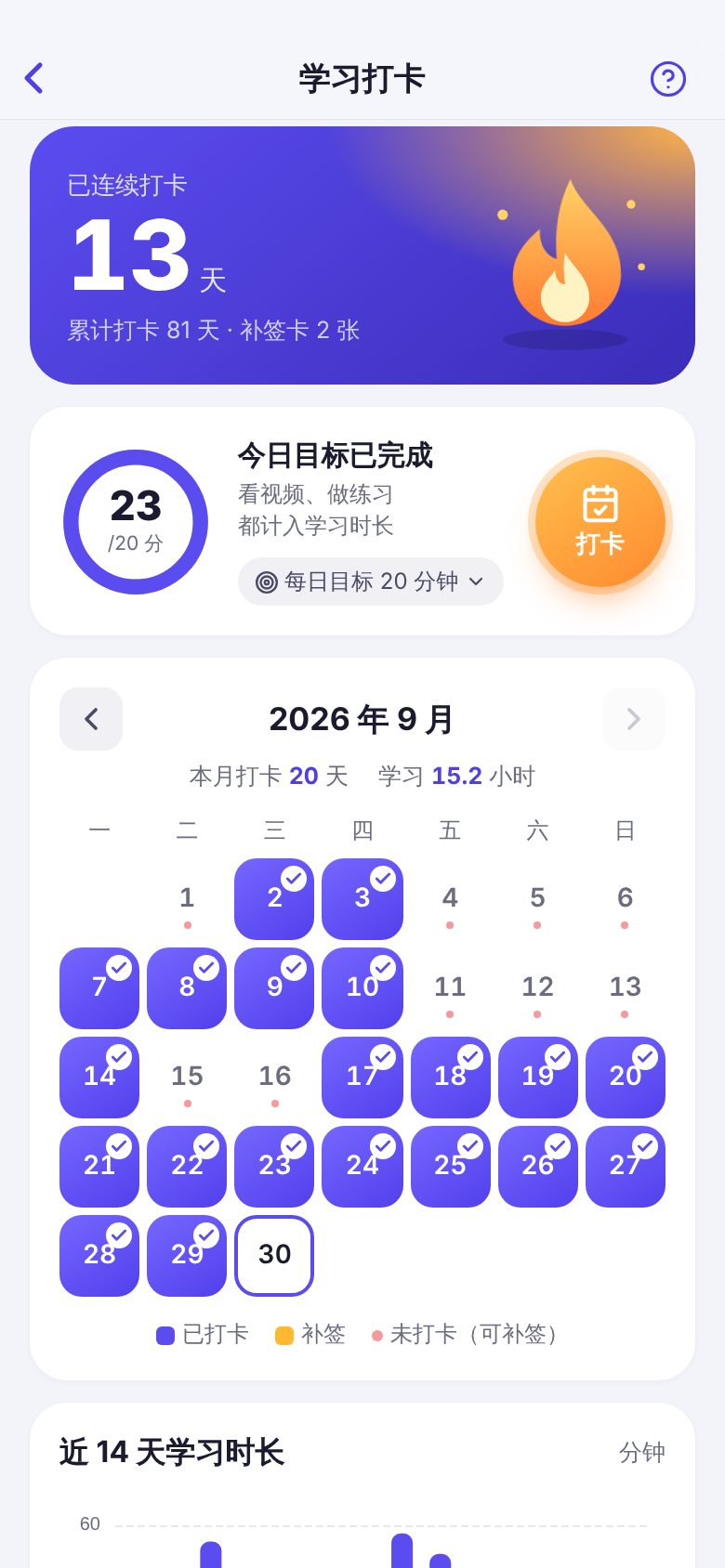
A monthly calendar shows check-in, make-up and missed days, and make-up cards can fill a missed day. It comes with a daily goal ring, a 14-day study time chart and badges. iOS large-title navigation, push transitions, swipe from the left edge to go back, pull to refresh, and dark mode.
Screenshots
More mobile screens
Key screens beyond the cover, all 390 × 844 phone screenshots, swipe left or right to view.
Tell us about your business. Based on this demo, we will suggest a solution and give you a quote range.