
Property management SaaS platform
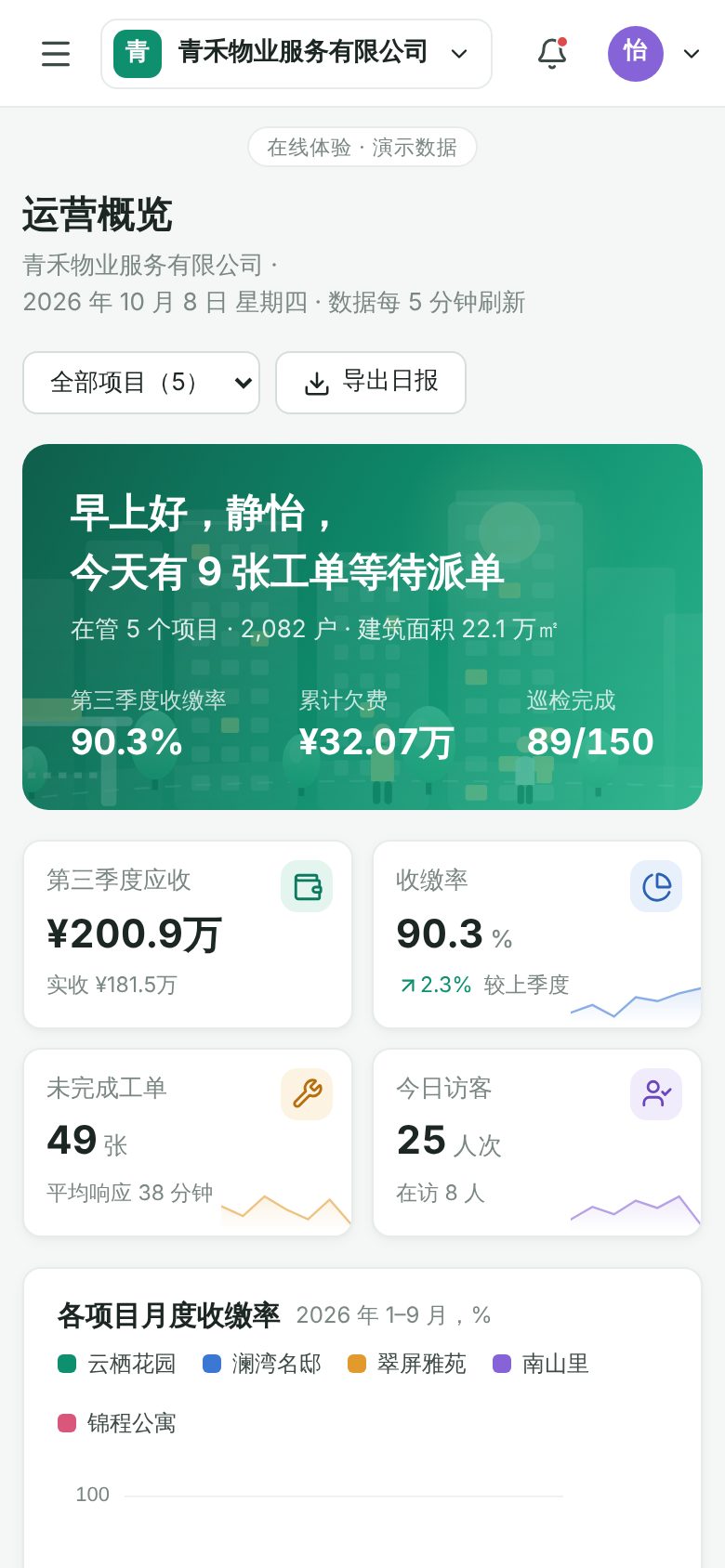
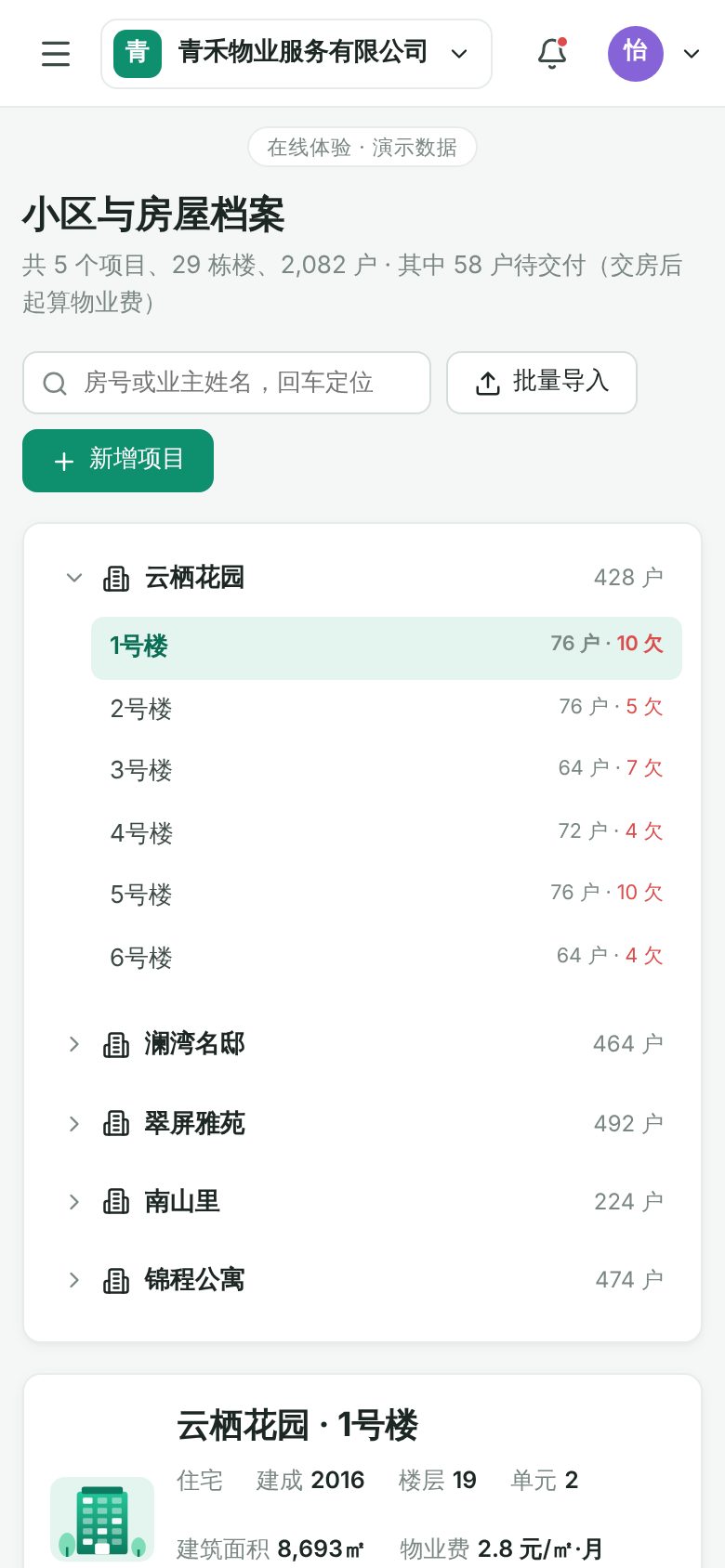
For property management companies that run multiple residential, low-rise or mixed-use developments, provided as a multi-tenant SaaS. The demo shows floor plans in building and unit records, property fee bills with bulk payment reminders, a drag-and-drop board for issues and repair requests, an inspection checkpoint map, visitor access codes, plus tenant switching, plan usage, member role permissions and activity logs. Unit records mark units not yet handed over separately (property fees start after handover), so the number of bills matches the total number of units. On phones, tables are shown as cards and repair work orders as a list.
Features
Design and technical highlights
- See a whole building's floors at a glance
Each unit is laid out in a grid by entrance and floor, color-coded as owner-occupied, rented, vacant or overdue. Click any unit to see the owner, payment history and repair history in a drawer, and file a repair request or send a payment reminder on the owner's behalf.
- From billing to payment reminders
Bills can be filtered and sorted by status and community. Select bills to send bulk reminders by Mini Program, SMS or automated voice call, with a message preview. Payment entry checks the amount, and the collection rate and overdue figures update immediately. You can switch by quarter: bills can be generated for quarters not yet billed, and past quarters show archived totals.
- Work order board and inspection map
Repair work orders are dragged between To assign, In progress, Awaiting acceptance and Completed. Unassigned orders open an assignment dialog that shows each technician's current workload, and overdue orders are flagged in red. Inspection tasks show checkpoints and completed routes on the community site plan.
- A complete multi-tenant SaaS setup
Switch companies at the top and all data switches with it. The sidebar shows plan and seat usage. Member roles can be changed, the permission matrix can be edited, and key actions are written to the audit log. New data is stored in the local browser.
Screenshots
Mobile layout
How the same pages look on a 390 × 844 phone screen, swipe left or right to view.

Tell us about your business. Based on this demo, we will suggest a solution and give you a quote range.